Have you ever been frustrated when a scratched DVD won’t play? This guide explains practical, safe methods to clean and repair scratched DVDs so you can often restore playback without replacing the disc.
We cover gentle cleaning with household ingredients, common polishing techniques, and when to consider professional repair. Follow the steps carefully and test the disc after each attempt. Below is an overview of options, risks, and storage tips to help protect your collection.
How to Fix Scratched DVDs
Scratched DVDs are a common problem that can cause skipping, read errors, or complete failure to play. Light surface scratches are often repairable at home, while deeper gouges may require professional resurfacing or data recovery. Start with the least invasive methods and progress only if necessary.
Basic approach: Clean the disc gently with a soft, lint-free cloth and a mild cleaner (water or diluted isopropyl alcohol). For light scratches, try non-abrasive polishing. For deeper damage, consider a professional service. Avoid harsh chemicals and abrasive tools that can worsen the damage.

What Causes DVD Scratches
Scratches happen for several reasons. Normal wear from inserting and removing discs, dust and grit trapped between the disc and case, accidental contact with sharp objects, or pets can all leave marks. Even tiny particles can abrade the plastic when the disc spins at high speed.
DIY Fixes for Scratched DVDs
Cleaning with gentle, natural ingredients
A simple, non-abrasive cleaning mix can remove dirt and oils that interfere with playback. Use this method first:
- Mix one tablespoon baking soda, two tablespoons white vinegar, and two cups warm water until dissolved.
- Dampen a soft, lint-free cloth in the solution and wipe the disc gently from the center outward in straight lines (not in circles).
- Rinse under clean water and dry with a fresh soft cloth, again wiping from the center outward.
- Test the disc in your player.
Using non-abrasive toothpaste or mild metal polish
Non-abrasive whitening toothpaste can sometimes reduce the appearance of fine scratches by filling and polishing the surface. Choose a non-grit formula and apply sparingly.
Procedure: Put a small amount on a soft cloth, rub gently from the center outward, rinse thoroughly, and dry. Test playback. If you use a commercial disc polish, follow the product instructions carefully and avoid abrasive compounds.
Note: Results vary and deep scratches are unlikely to be fixed by these methods.
Very fine sanding (use extreme caution)
Some people use ultra-fine wet/dry sandpaper to remove very shallow scratches, always working from the center outward and using minimal pressure. This method can permanently alter the disc and should be a last resort. Rinse and dry thoroughly before testing.
Warning: Sanding risks further damage and may void warranties. Only attempt if you accept the potential for permanent harm.
Polishing with automotive wax
Car wax can help fill and smooth minor surface scratches. Apply a small amount, rub gently from center outward, let it set briefly, then buff with a clean soft cloth. This can restore shine and reduce light defects but won’t fix deep gouges.
Unconventional remedies (peanut butter and others)
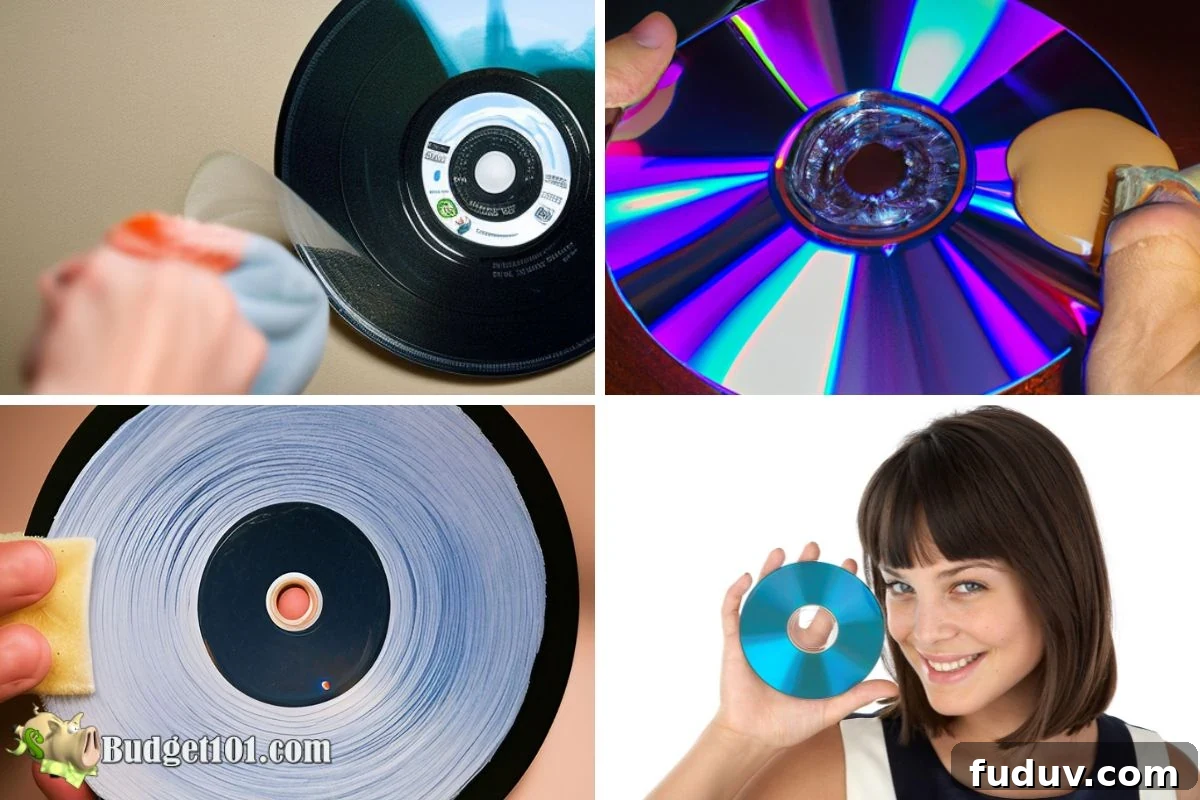
Some household items such as creamy peanut butter are claimed to work by filling scratches and providing lubrication for cleaning. If you try such a method, apply a tiny amount, rub gently, rinse completely, and dry. Unconventional solutions carry higher risk of residue or contamination and are less reliable than tested cleaners.
Risks of DIY repairs
Aggressive rubbing, abrasive substances, or improper techniques can worsen scratches or introduce residue that prevents playback. DIY fixes can void warranties and are not guaranteed. Always start with mild cleaning and proceed cautiously.

Professional Disc Repair Options
If DIY methods fail or the disc contains irreplaceable data, professional services offer laser resurfacing and data recovery. Laser resurfacing removes microscopic plastic layers to eliminate surface scratches; data recovery uses specialized hardware and software to extract readable information.
Costs vary by provider and service level. For valuable discs, professional repair or data restoration may be the best option.
What to expect from a professional repair
Shops generally inspect the disc, perform resurfacing or cleaning, and test playback. If data recovery is needed, they will scan and extract as much readable data as possible. Ask about success rates and warranties before committing.
When to DIY and when to seek help
For light surface scratches, start with home cleaning and gentle polishing. For deep scratches, cracked discs, or important data, seek professional help to avoid irreversible loss. If a disc is rare, sentimental, or expensive, professional restoration is recommended.
Pros and Cons
DIY
Pros: inexpensive, immediate, accessible. Cons: may be ineffective or cause further damage.
Professional
Pros: higher success rates, specialized equipment, possible warranty. Cons: cost and potential inconvenience.
How to Properly Handle and Store DVDs
Good handling and storage prevent scratches and extend disc life:
- Store discs in their cases when not in use.
- Keep discs clean and dust-free; avoid touching the shiny surface.
- Handle discs by the outer edge or center hole.
- Insert and remove discs carefully to avoid scraping the surface.
- Store in a cool, dry place away from direct sunlight and heat sources.

Quick Summary of Tips
Start with gentle cleaning (water or diluted isopropyl alcohol). Use non-abrasive toothpaste or a commercial disc polish for light scratches. Avoid harsh abrasives. If needed, consider professional resurfacing or data recovery for valuable or heavily damaged discs. Always handle and store discs carefully to minimize future damage.
Additional Practical Steps
Below are simple techniques people commonly try. Use caution and test after each attempt:
1. Wipe the disc with a soft cloth from center outward.
2. Buff light scratches with a baking soda paste (small amount, rinse thoroughly).
3. Use diluted isopropyl alcohol (max 50%) on a soft cloth for stubborn residue.
4. Apply non-abrasive toothpaste sparingly and rinse.
5. Use a water-vinegar mix for cleaning.
6. Apply a small amount of car wax for surface shine and minor scratch reduction.
7. Wash gently with warm, soapy water and dry carefully.
8. Consider specialty, optically clear coatings or commercial disc repair kits if available.